
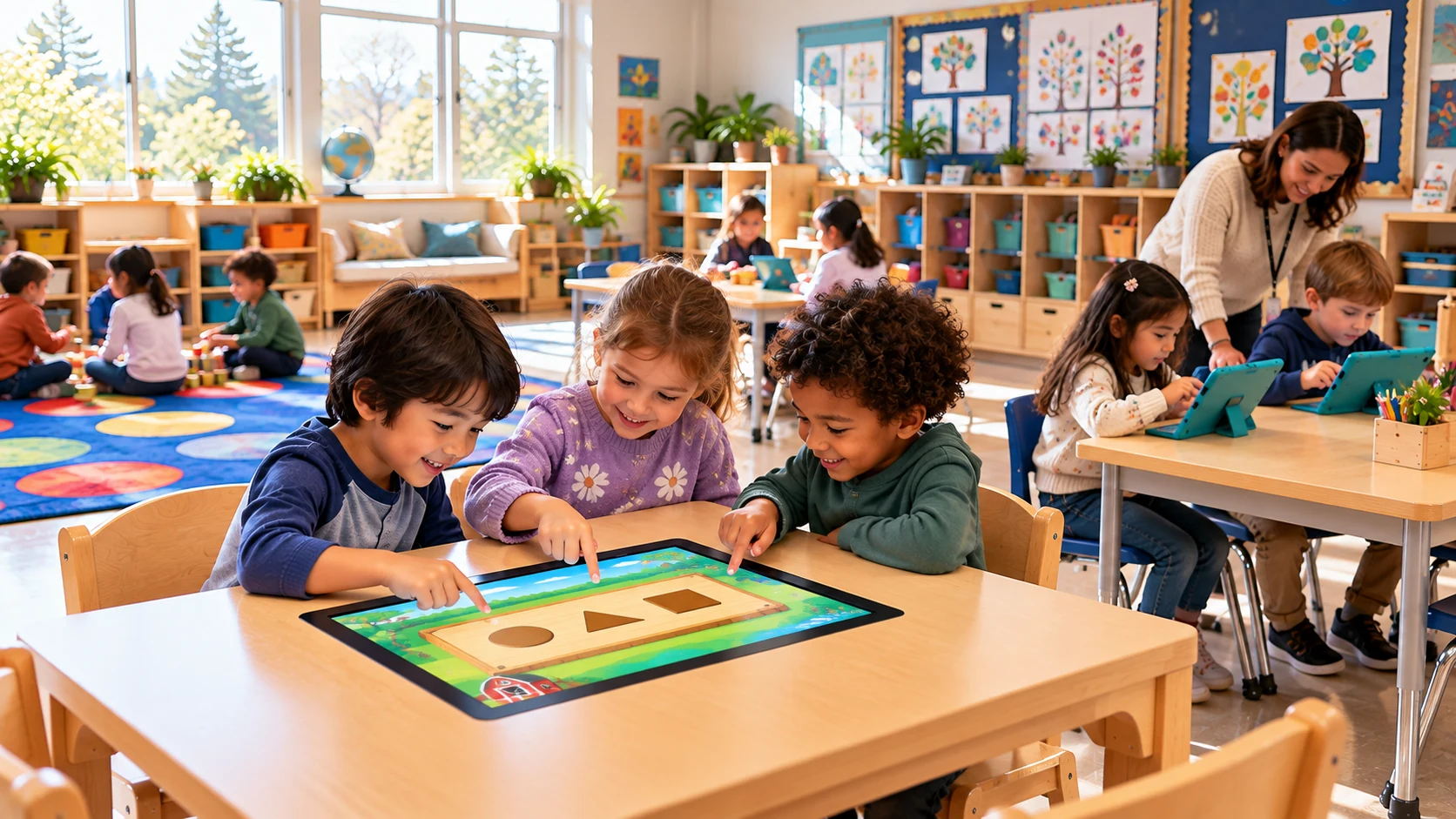
Ways to use Snowlark
Individual learning, at your own pace
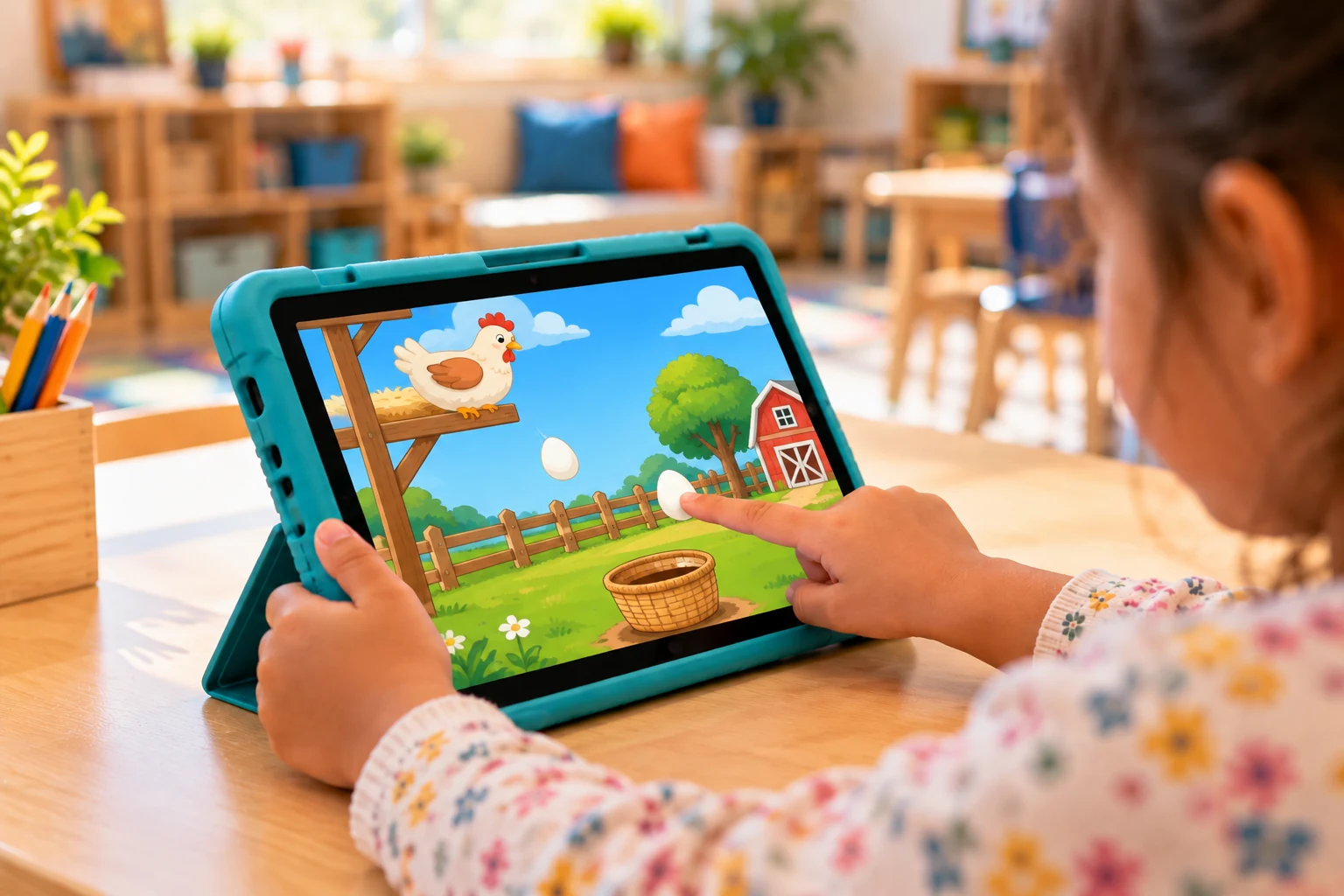
Every Digital Activity can be used individually on an Android tablet that meets Snowlark's minimum requirements. A protective case and dual-band Wi-Fi are recommended. Screen size, Android version, memory and storage requirements are being confirmed.

A shared activity table
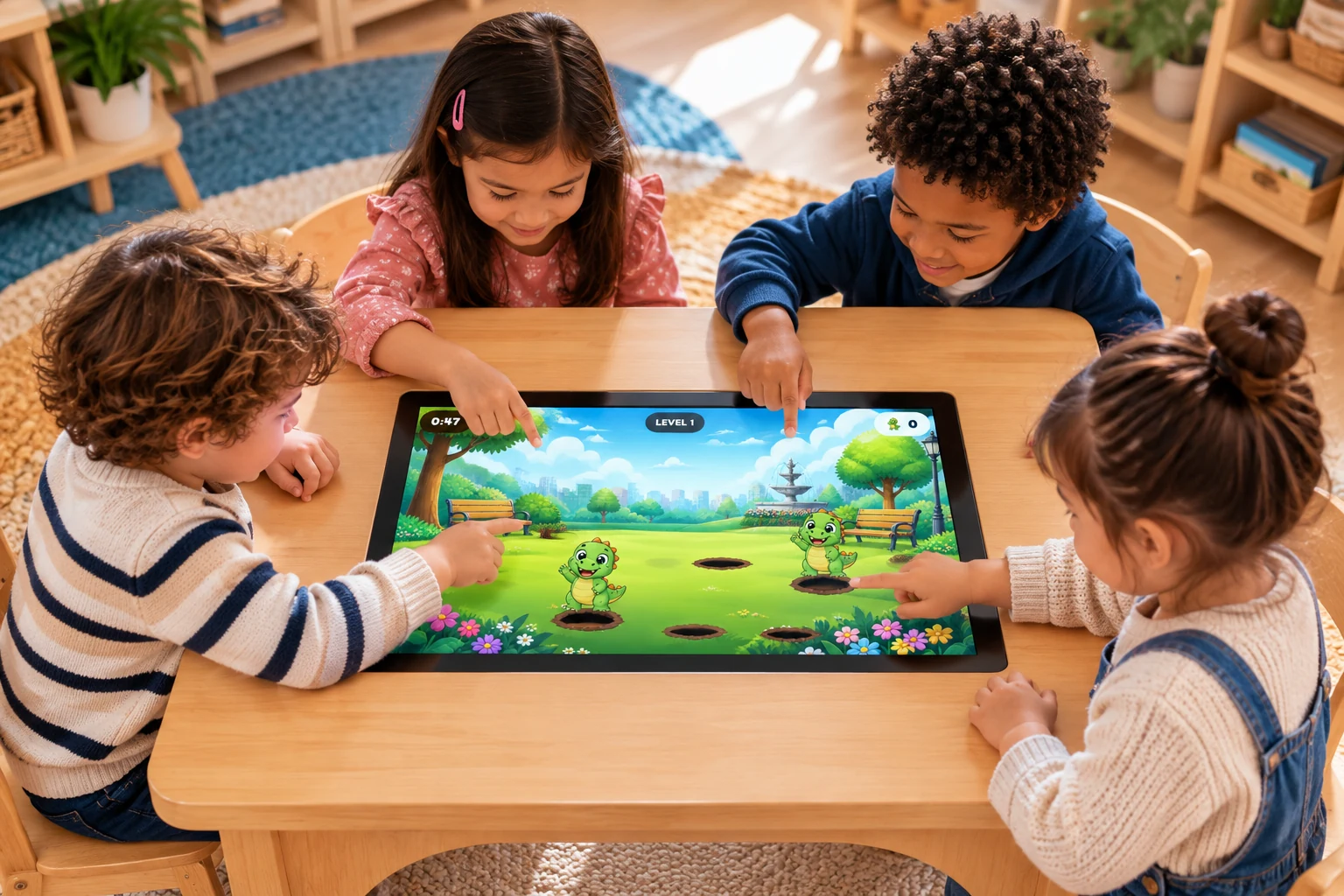
Group activities bring learners together around a large screen. The recommended configuration uses a Canadian-certified 22-inch class Full HD touch display with 10-point capacitive touch and an Android device configured by Snowlark. A recommended supplier sells the wooden table and hardware directly to schools.
Nothing else on the screen
Whichever device you choose, Snowlark runs in focused learning mode. Learners cannot reach other apps, settings or the web. Only the tablet administrator can unlock it with a password.
Configured for your learning space
For group use, plan for a 21.5 to 22-inch Full HD capacitive touch display, dual-band Wi-Fi, Canadian safety and radio certifications, and classroom-safe cable management. Snowlark supports software, updates, Learning Insights and educator onboarding. The supplier handles hardware warranty and service.
Ask about recommended hardware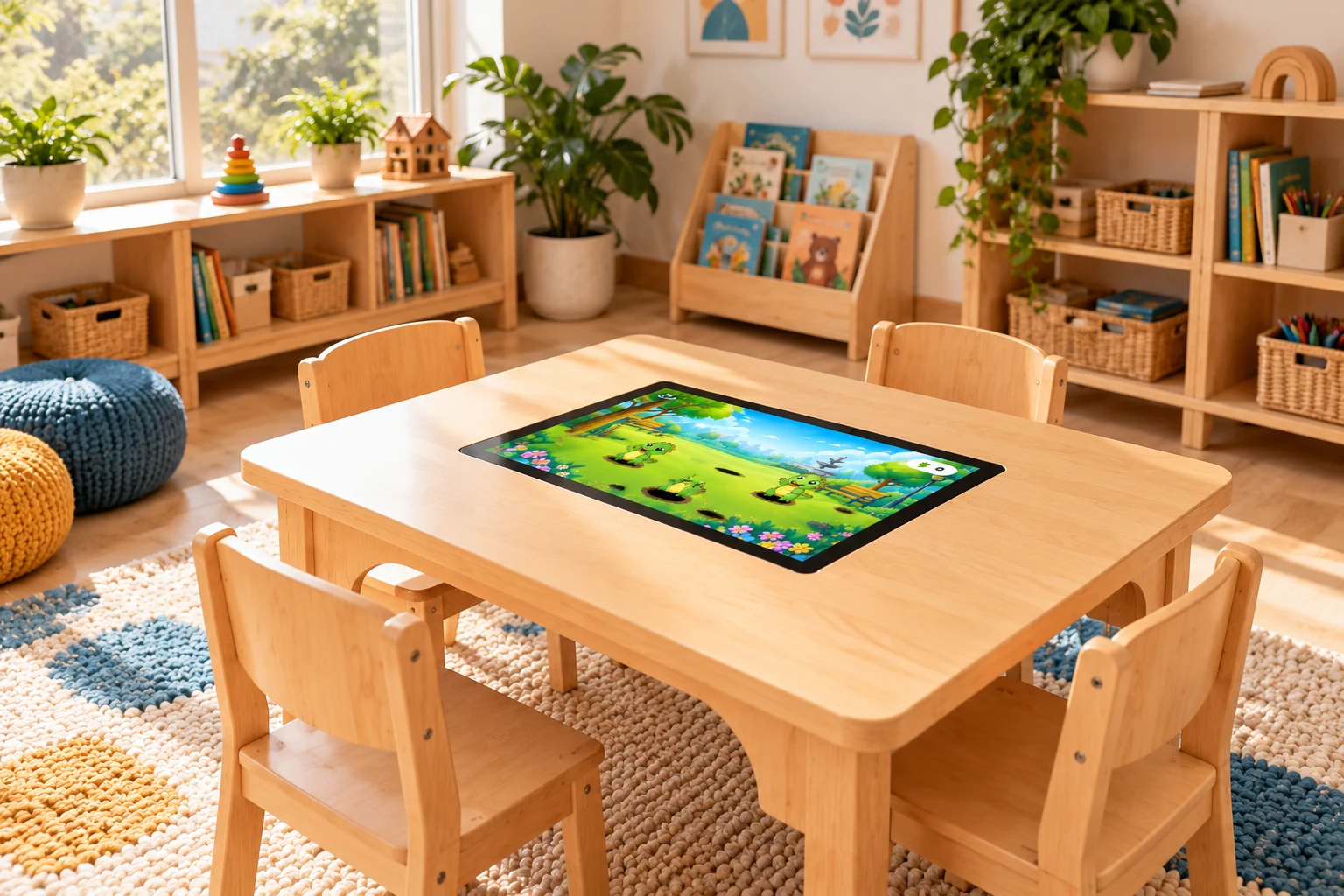
Participation in different positions
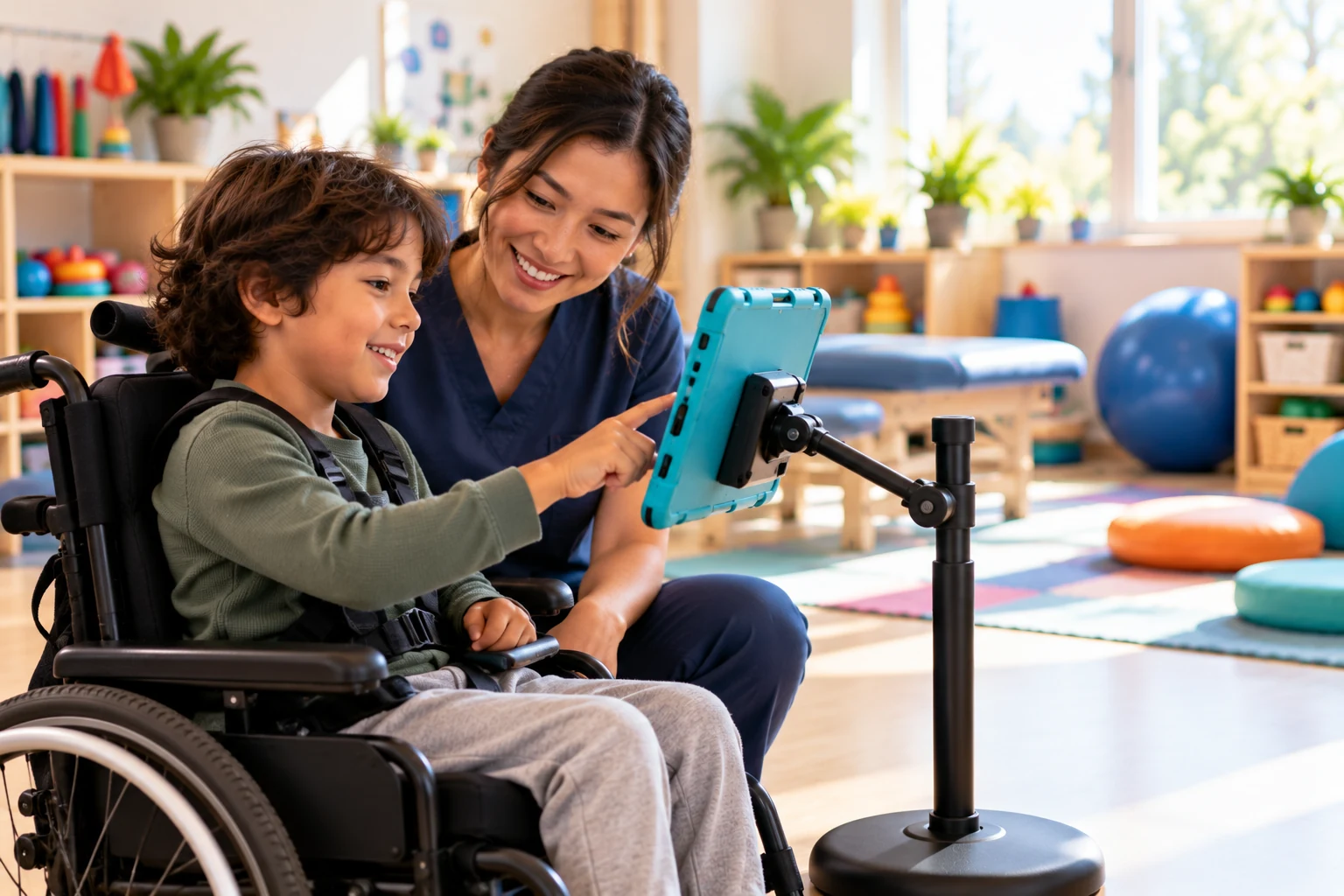
Individual tablets can be mounted on a stable floor stand at wheelchair height. Educators can adapt the setting and activity to each learner's access needs.
See how Snowlark fits your learning community.
Explore the system with a Snowlark education specialist.